How to Become a Web Designer: Skills & Project Roadmap
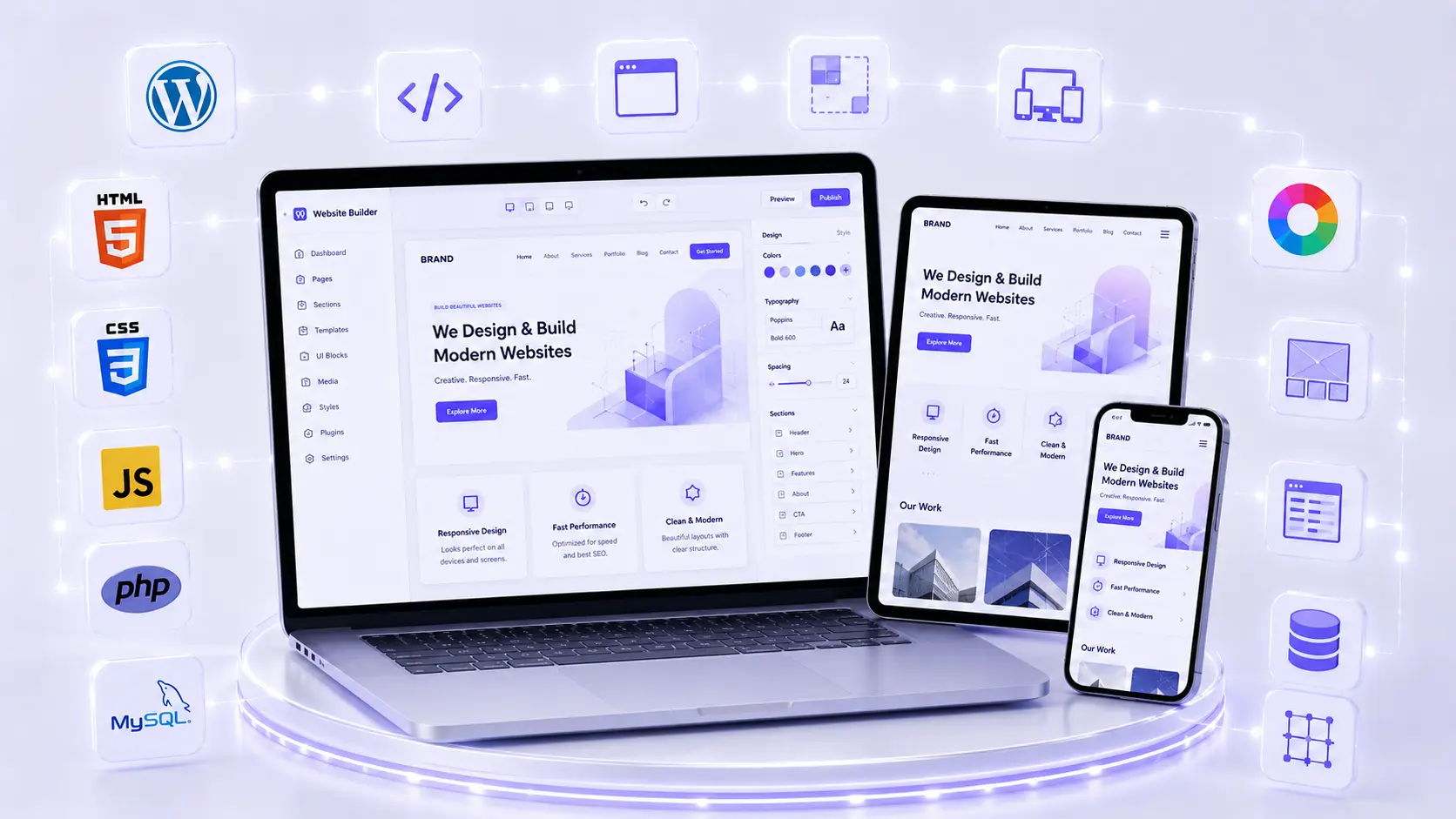
Follow a practical roadmap covering HTML, CSS, responsive design, WordPress, accessibility and portfolio projects for aspiring web designers.
01 Website Design, Web Development and WordPress
Website design focuses on layout, navigation, typography, colour, responsive behaviour and user experience. Front-end development turns those decisions into working pages with HTML, CSS and JavaScript. Back-end development handles server-side logic and databases. WordPress is a content-management system that helps users create and manage websites through themes, plugins and an administration dashboard.
A beginner does not need to master every area at once. A practical course can build a broad foundation, then help the learner choose a direction such as WordPress design, front-end development, e-commerce support or website maintenance.
02 Core Skills a Website Design Course Should Teach
Planning and Page Structure
Before starting a portfolio or client project, use this WordPress website planning checklist to define the audience, sitemap, content and launch requirements.
Before opening a design tool, students should understand the website’s audience, objective and required pages. A sitemap organises the main sections, while a wireframe arranges the content and actions on each page.
A clear business page often includes a focused headline, supporting explanation, service details, proof, frequently asked questions and a contact action. The exact structure should follow the user’s task rather than a fixed template.
HTML for Meaningful Content
HTML gives a page its structure: headings, paragraphs, lists, links, images, tables, forms and semantic regions. Students should learn to choose elements based on meaning, not appearance. A logical heading hierarchy and properly labelled form fields support accessibility and SEO as well as clean development.
The MDN guide to structuring content with HTML is a useful primary learning resource.
CSS for Layout and Visual Design
When choosing software for visual assets, this Canva, Photoshop and Illustrator comparison explains which tool suits different beginner projects.
CSS controls typography, spacing, colour, borders and layout. Beginners should practise the box model, selectors, reusable classes, Flexbox, Grid and responsive units. The goal is to create a consistent system rather than fixing every element with unrelated values.
A good exercise is to recreate the same card and page section at mobile, tablet and desktop widths while keeping the content readable.
Responsive and Mobile-First Design
A responsive website adapts to the available screen. Students should learn flexible layouts, appropriate image sizing, media queries, touch-friendly controls and mobile navigation. They should test real content, including long headings and validation messages, rather than only an ideal mock-up.
Responsive design is not merely shrinking the desktop page. The mobile layout may need a different content order, shorter navigation and more deliberate spacing.
JavaScript Basics
JavaScript can add behaviour such as menu toggles, tabs, accordions, modal windows and form feedback. Beginners should learn variables, functions, events and basic DOM interaction. They should also understand that essential content and navigation should not depend on fragile scripts.
WordPress, Themes and Plugins
WordPress training should cover pages, posts, media, menus, users, settings, themes, plugins and backups. Page builders such as Elementor can speed up layout work, but students should still understand spacing, responsive controls and semantic structure.
Plugins should be selected carefully. Every plugin adds maintenance and may affect security or speed. Students should learn to use the smallest reliable set, keep it updated, test changes and maintain a recovery path.
Domain, Hosting, SSL and Launch
A website is not complete until it works on a live domain. Learners should understand the roles of a domain, DNS, hosting, SSL, files and databases at a beginner level. A launch checklist should cover backups, HTTPS, forms, navigation, mobile testing, search visibility settings and analytics.
Performance, Security and Maintenance
Large images, excessive scripts and unnecessary plugins can make a site slow. Students should practise resizing and compressing images, choosing modern formats where supported and testing mobile performance.
Basic security includes strong unique passwords, limited user roles, trusted updates, backups and SSL. Maintenance includes checking forms, broken links, software updates and content accuracy after launch.
03 A Practical Learning Sequence
- Plan a small website. Define the audience, goal, sitemap and page content.
- Create wireframes. Arrange information before styling it.
- Build pages with HTML. Use meaningful headings, links, images and forms.
- Style with CSS. Develop a consistent type, spacing and colour system.
- Make the layout responsive. Test mobile, tablet and desktop states.
- Add simple JavaScript. Create a menu or accordion and make it keyboard-friendly.
- Rebuild the concept in WordPress. Manage content, theme settings and reusable sections.
- Launch safely. Configure hosting, SSL, forms, analytics and backups.
- Audit the result. Review accessibility, speed, SEO basics and security.
04 Projects That Build a Strong Beginner Portfolio
| Project | Skills demonstrated | What to show in the case study |
|---|---|---|
| Personal portfolio | Content planning, responsive layout and contact form | Audience, sitemap, mobile views and live URL |
| Local business website | Service pages, trust content, calls to action and local SEO basics | Wireframes, page hierarchy and form testing |
| WordPress website | Dashboard, theme, reusable blocks, plugins and maintenance | Plugin choices, backup plan and editing workflow |
| Basic online store | Products, categories, cart structure and responsive product pages | Customer flow and test checkout configuration |
A portfolio case study should state the problem, your role, constraints, process and final result. If the project is fictional, label it clearly. Never expose client passwords, private analytics, customer information or paid assets.
05 Accessibility Is Part of Good Website Design
Accessible websites work for a wider range of people, including users who navigate by keyboard, use screen readers or need stronger contrast. Beginners should learn text alternatives for informative images, labelled form fields, visible focus states, semantic headings and sufficient colour contrast.
The W3C’s Introduction to Web Accessibility explains why accessibility benefits individuals and organisations. Students should treat it as a core quality requirement, not an optional decoration added at the end.
06 SEO Basics Every Website Designer Should Know
A designer influences SEO through structure, performance and content presentation. Important basics include:
- One clear primary heading and a logical heading hierarchy.
- Descriptive page titles, URLs and internal links.
- Useful copy that matches the visitor’s intent.
- Descriptive alt text for informative images.
- Fast, mobile-friendly pages with stable layouts.
- Crawlable navigation and correct index settings.
- Structured data only when it accurately represents visible content.
Students who want deeper search skills can continue with an SEO course after building the website foundation.
Visual-design fundamentals also support better interfaces. The graphic design guide for beginners explains hierarchy, typography, colour and portfolio practice in more detail.
07 WordPress or Coding: Which Should a Beginner Learn?
WordPress can help a beginner create a working website quickly and understand content-management workflows. HTML and CSS provide deeper control and make troubleshooting easier. Basic JavaScript explains how interactions work.
The most useful learning path often combines them: learn the core web languages, then apply the principles inside WordPress. Learners interested in front-end development can continue further with JavaScript and a structured programming path. Learners interested in client websites can deepen WordPress, performance, maintenance and project-management skills.
08 Career and Freelancing Directions
Entry-level directions may include web design intern, WordPress designer, front-end trainee, Elementor designer, website support executive or e-commerce assistant. Freelancers can begin with small websites or clearly defined maintenance work after they understand backups, scope and delivery.
Client work requires more than building pages. A freelancer must collect content, define deliverables, agree on revision limits, protect credentials, test forms and document ongoing responsibilities. A course can build the foundation, but it cannot guarantee a job, clients or a fixed income.
09 How to Choose a Website Design Course in Dehradun
- Ask whether the curriculum covers planning, HTML, CSS, responsive design and WordPress.
- Check the depth of JavaScript, hosting, e-commerce and basic back-end topics.
- Confirm that students launch projects, not only copy instructor screens.
- Look for mobile, accessibility, performance, SEO and security checks.
- Ask who owns the domain, hosting, project files and licences used in class.
- Review the final portfolio requirements and feedback process.
- Confirm current fees, software access, hosting inclusions and batch schedules in writing.
ACME IT Centre’s Website Design and Development Course in Dehradun lists HTML, CSS, JavaScript basics, WordPress, Elementor, WooCommerce, domain and hosting, SEO basics, performance, security and portfolio projects. The published course information describes beginner-level entry and practical website work. Confirm the latest duration, schedule, fee, hosting terms and inclusions directly before enrolling.
Students comparing web design with office, marketing and creative courses can use the computer course guide after 12th. For current batch or demo-class information, visit the ACME IT Centre contact page.
10 Frequently Asked Questions
Do I need coding experience before joining?
No. A beginner course can start with website fundamentals and HTML. Basic computer use and willingness to practise are helpful.
Can I build websites only with WordPress?
Yes, many sites are built with WordPress. Understanding HTML, CSS and basic JavaScript still improves customisation, troubleshooting and communication with developers.
How many projects should a beginner portfolio contain?
Three or four complete, well-explained projects can be enough to show range. Prioritise quality, responsiveness and clear case studies over a large number of unfinished sites.
Is website design the same as web development?
No. Design focuses on interface and experience, while development implements functionality. Front-end work overlaps with both. A combined beginner course can introduce each area before specialisation.
Does a website-design certificate guarantee employment?
No. Employers and clients also evaluate live projects, code or WordPress quality, mobile behaviour, problem solving, communication and reliability.
11 Final Takeaway
A useful website design course should take you through the entire workflow: planning, structure, styling, responsive behaviour, WordPress, launch and maintenance. Choose training that makes you build and explain real projects. That practical evidence provides a stronger foundation for a job, internship, freelancing or further development study.
Takeaway & Career Action Paths
Follow a practical roadmap covering HTML, CSS, responsive design, WordPress, accessibility and portfolio projects for aspiring web designers.