Best Computer Course in Dehradun After 12th: Which One Should You Choose?

Compare the best computer courses in Dehradun after 12th for office jobs, freelancing, design, marketing and web careers, and choose the right course for your goals.
01 What Is the Best Computer Course in Dehradun After 12th?
There is no single computer course that is best for every student. The right course depends on your career goal. Advanced Excel is useful for office, MIS and reporting roles; digital marketing suits marketing, business and freelancing; graphic design is ideal for creative students; website design supports freelancing and web careers; and a basic computer course is the right starting point when your fundamentals are still weak.
So the honest answer is: the best course is the one that matches your current skill level and the kind of work you want to do after it. The rest of this guide helps you find that match.
02 Quick Comparison of Computer Courses After 12th
Complete beginners can first check the essential computer skills checklist. Students considering marketing careers should compare the options with this digital marketing learning roadmap.
Use this table as a starting point, then read the detailed sections below. Every course listed here is genuinely taught at ACME IT Centre. For current batch duration and fees, please check the individual course page linked in each section.
| Course | Best for | Main skills | Practical outcome |
|---|---|---|---|
| Basic Computer Course | Complete beginners | Windows, typing, MS Word, Excel, PowerPoint, internet, email | Everyday and office computer skills |
| Advanced Excel | Office, MIS and data roles | Formulas, lookups, Pivot Tables, charts, dashboards, Power Query | Reports, dashboards and data analysis |
| Digital Marketing | Marketing, business, freelancing | SEO, Google Ads, social media, content, analytics | A digital campaign project |
| Graphic Design | Creative students | Photoshop, Illustrator, InDesign, Canva, branding | A design portfolio |
| Website Design | Freelancing and web careers | WordPress, Elementor, WooCommerce, hosting, SEO basics | A live website |
| Advanced SEO | Search-marketing careers | Keyword research, on-page & technical SEO, content planning | A website SEO audit |
03 Computer Course Fees and Duration in Dehradun (at a Glance)
Approximate fees and durations for courses at ACME IT Centre, Dehradun, as of August 2026. Fees and batch schedules can change over time and during offers — please check the individual course page for the latest figure before enrolling.
| Course | Fee | Duration | Best for |
|---|---|---|---|
| Basic Computer Course | ₹6,000 | 3 months | Complete beginners |
| Advanced Excel | ₹6,499 | 2 months | Office, MIS & data roles |
| Digital Marketing | ₹16,999 | 3 months | Marketing, business & freelancing |
| Graphic Design | ₹15,500 | 3 months | Creative students |
| Website Design & Development | ₹25,499 | 6 months | Freelancing & web careers |
| Advanced SEO | ₹16,499 | 3 months | Search-marketing careers |

04 1. Basic Computer Course for Complete Beginners
What it is: A foundation course that teaches computer basics, typing, Windows, MS Word, Excel, PowerPoint, internet use, email and everyday office work skills.
Who it suits: Students with weak computer fundamentals, and Arts, Commerce or Science students who have not used computers much. It is also a sensible first step before joining any advanced course.
What you learn: File management, typing practice, document formatting in Word, basic Excel, simple presentations, safe internet use and email with attachments.
Practical work: A formatted Word document, an Excel marksheet, a PowerPoint presentation and an email with an attachment.
Useful for: Entry-level roles such as admin assistant, back-office executive, data entry and front-office support.
Who should not pick it: If your computer basics are already strong, you can skip straight to a specialised course like Advanced Excel or Digital Marketing. Do not treat Basic Computer as the best course for every 12th-pass student — it is a starting point, not a career specialisation.
Learn more on the Basic Computer Course in Dehradun page.
05 2. Advanced Excel Course for Office and Data-Related Work
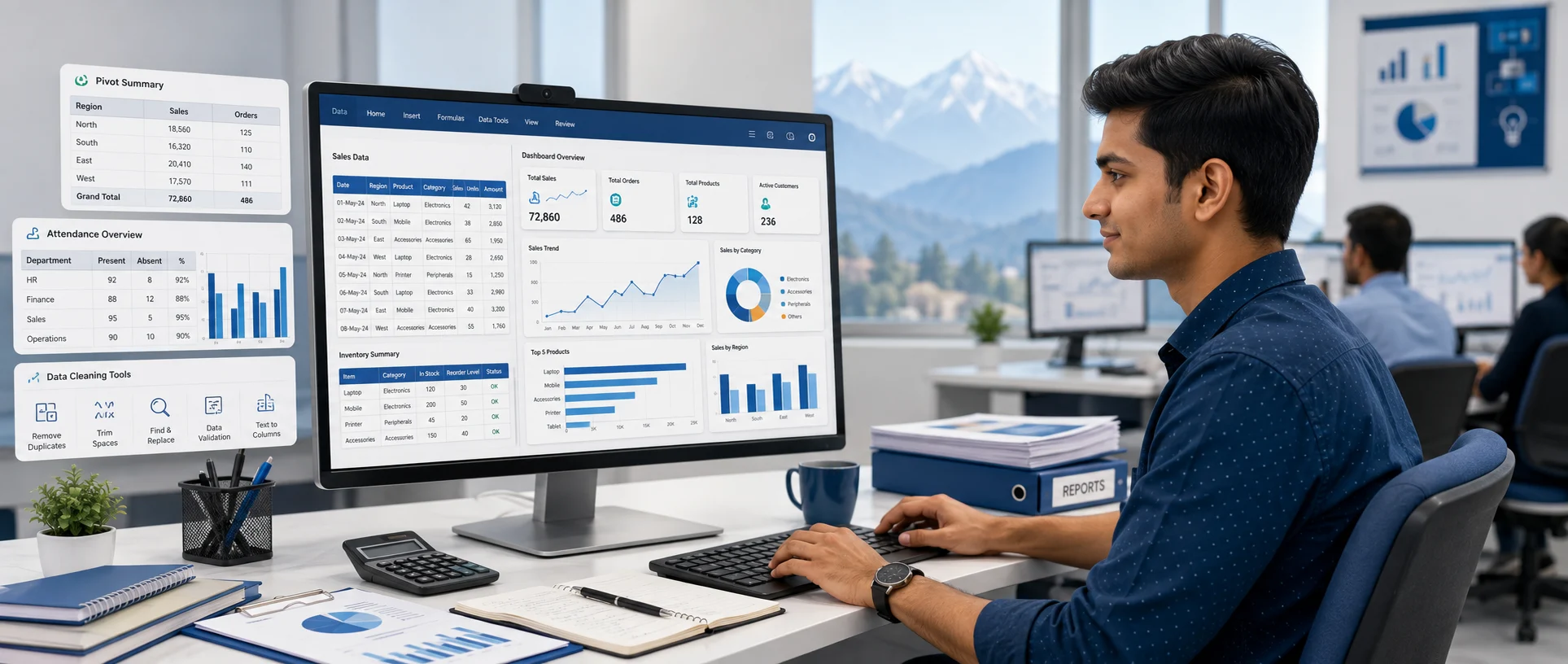
What it is: A practical course focused on formulas, data cleaning, charts, Pivot Tables, dashboards, Power Query basics and office-style assignments.
Who it suits: Students who want office, reporting, data-management or MIS-related work. Commerce students especially benefit from strong Excel skills.
What you learn: Formulas and functions, VLOOKUP/XLOOKUP and INDEX-MATCH basics, data cleaning, sorting and filtering, conditional formatting, data validation, Pivot Tables, charts and dashboard creation.
Practical projects: A monthly sales report, an attendance dashboard, an inventory tracker and an MIS worksheet.
Honest limitation: Advanced Excel alone is not the right choice for students interested mainly in creative design, website building or digital advertising. Pick it when your goal is data and office work — not when your goal is creative or marketing work.
See the full syllabus on the Advanced Excel Course in Dehradun page.
06 3. Digital Marketing Course for Marketing and Freelancing
What it is: A course covering digital marketing fundamentals, SEO, Google Ads, social media, content marketing, analytics and campaign practice.
Who it suits: Students aiming for marketing careers, local business promotion, social media work or freelancing.
What you learn: SEO basics, Google Ads, social media marketing, content planning, analytics and campaign reporting — practised on live examples rather than only theory.
Practical work: A keyword research sheet, a small SEO audit, a social media calendar and a sample ad-campaign plan.
A note on expectations: Digital marketing can open freelancing and job opportunities, but no honest course can promise a guaranteed income or a guaranteed job. Results depend on your practice, portfolio and consistency.
Explore the Digital Marketing Course in Dehradun for the complete module list.

07 4. Graphic Design Course for Creative Students
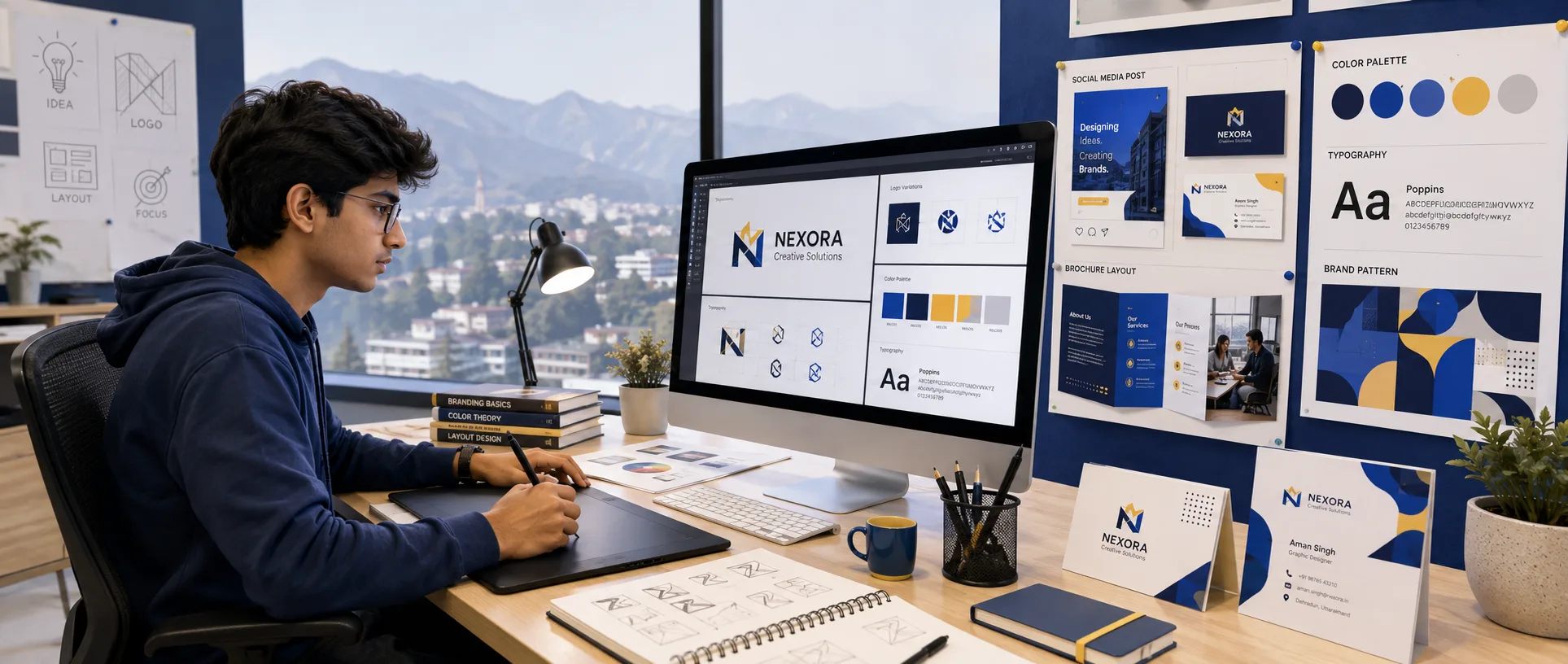
What it is: A design course covering Photoshop, Illustrator, InDesign, Canva and Adobe Express, along with branding, social media and print design projects.
Who it suits: Creative students interested in social media designs, branding, print work, freelancing or creative jobs.
What you learn: Core design tools, colour and layout basics, branding, and creating social media and print-ready designs.
Practical projects: A logo, a social media post, a business card, a brochure and a small brand kit.
Keep in mind: Creative work improves with regular practice. A portfolio matters more than the course name, so plan to build real designs during and after the course.
View details on the Graphic Design Course in Dehradun page.
08 5. Website Design Course for Freelancing and Web Careers
What it is: A practical course covering WordPress, Elementor, WooCommerce, hosting and SEO basics, with live website projects.
Who it suits: Students interested in building websites, freelancing, small-business websites, landing pages and website management.
What you learn: WordPress and Elementor, WooCommerce basics, domain and hosting handling, responsive design and basic on-page SEO — applied to a live project.
Practical work: A responsive landing page, a business website, a working contact form and a basic SEO setup.
Good to confirm: Before joining, confirm which modules are included for your batch (for example WordPress, Elementor, WooCommerce, hosting and live project) so your expectations match the course.
Check the Website Design Course in Dehradun page for the current curriculum.
09 6. Advanced SEO Course for Search Marketing
What it is: A focused course on keyword research, on-page SEO, technical fixes, content planning, backlinks and live website practice.
Who it suits: Digital marketing students, website owners, content professionals, freelancers and anyone interested in local SEO work.
What you learn: Keyword research, on-page optimisation, technical SEO basics, Search Console reporting, internal linking and local SEO fundamentals.
Practical outcomes: A keyword research plan, a website SEO audit, on-page optimisation practice and an internal-linking plan.
Learn more on the SEO Course in Dehradun page.
10 Which Computer Course Should You Choose Based on Your Career Goal?
Instead of asking “which course is best”, ask “best for what?”. Match the course to the outcome you want.
Best course for office jobs
Start with the Basic Computer Course when your fundamentals are weak, then move to Advanced Excel. If your basics are already clear, go straight to Advanced Excel — office and MIS roles value strong Excel skills.
Best course for freelancing
Website Design, Graphic Design, Digital Marketing or Advanced SEO all support freelancing. Remember that freelancing needs skills plus a portfolio and basic client communication, so choose the one that matches your interest and commit to building sample work.
Best course for creative students
Graphic Design is the natural fit, with Website Design as a strong second option if you enjoy building visual, interactive pages.
Best course for business and marketing
Digital Marketing, along with social media marketing, Google Ads and SEO, helps you promote a business or grow a marketing career.
Best course if you are unsure about your career
If you are undecided, start with career counselling and a demo class. Discuss your interests, look at sample projects for each course, and then choose — rather than picking a course only because friends did.

11 Best Computer Courses After 12th for Arts, Commerce and Science Students
Most short-term, skill-based computer courses do not require a specific school stream. Still, always confirm the actual course eligibility before admission.
For Arts students
Graphic Design, Digital Marketing, Website Design, Social Media Marketing and Basic Computer are all suitable. Arts students can absolutely learn Excel and technical skills too — stream is not a barrier.
For Commerce students
Advanced Excel, Tally, Digital Marketing, Basic Computer, Website Design and SEO align well with commerce backgrounds, especially Excel and Tally for accounts, GST and reporting roles.
For Science students
Website Design, Digital Marketing, Advanced Excel, Graphic Design and SEO are all good options, depending on whether your interest is technical, analytical or creative.
12 Should You Choose a Degree, Diploma or Short-Term Computer Course After 12th?
After 12th, search results mix short courses with degree and diploma pages, so it helps to understand the difference.
| Option | Main purpose | Typical commitment | Suitable for |
|---|---|---|---|
| Degree | Complete academic qualification | Multiple years | Long-term formal education |
| Diploma | Broader vocational training | Longer than a short course | Students wanting structured specialisation |
| Short-term course | Specific practical skill | Usually weeks or months | Job skills, freelancing or degree support |
A short-term computer course does not automatically replace a degree. Many students take a practical computer course alongside college to build employable and freelance skills while they study. Choose based on your long-term plan, not only on course length.
13 How to Choose the Best Computer Course in Dehradun
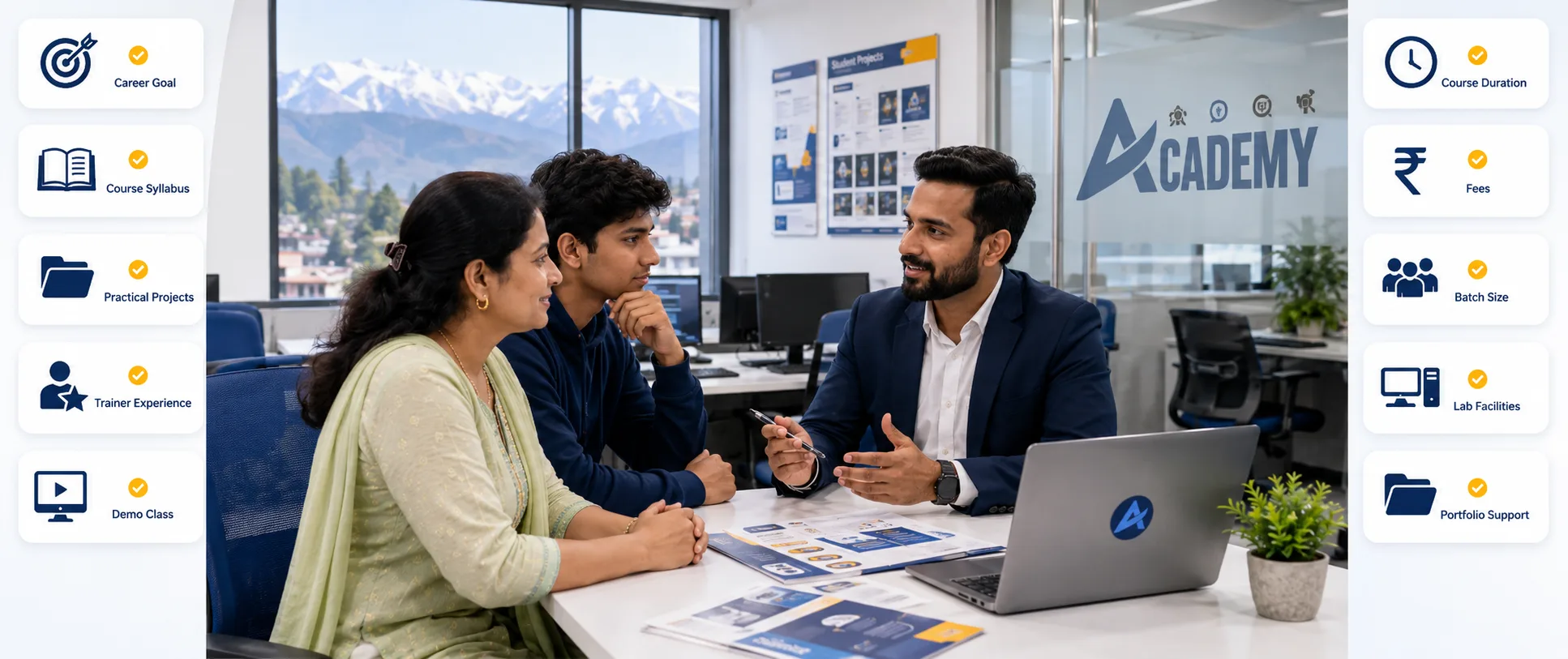
Use these ten checks before you enrol anywhere — not just at ACME:
- Start with your career goal. Office job, freelancing, marketing, design or business? Everything follows from this.
- Check the syllabus, not the name. Look at the actual modules and tools, because two courses with the same name can be very different.
- Ask about practical projects. Find out exactly what you will build by the end of the course.
- Check the trainer. Verify the trainer’s experience and area of specialisation.
- Attend a demo class. This is the best practical way to understand the teaching style.
- Confirm duration and total fees. Clarify any software, certificate or extra charges in advance.
- Check batch size and doubt support. Ask how doubts are actually handled, not just whether “personal attention” is promised.
- Review lab facilities. Check computer availability, software and practice time.
- Ask about portfolio support. Important for web design, graphic design and digital marketing students.
- Avoid guaranteed-job claims. Be cautious of guaranteed placement or guaranteed income promises made without evidence.
14 What We Have Learned While Training Students in Dehradun
From years of teaching beginners and career-changers at ACME IT Centre, a few patterns repeat:
- Most students are confused by course names rather than by course content — a short conversation about goals usually clears it up.
- Students with weak fundamentals often struggle if they jump directly into an advanced course, so a basic foundation first saves time later.
- Confidence improves fastest through practical assignments, not through theory alone.
- Course selection works best when it is tied to a clear career goal.
- Portfolio-based courses (web design, graphic design, digital marketing) reward regular practice more than anything else.
- Every student learns at a different speed, so a good course leaves room for extra practice where needed.
15 What Practical Work Should Students Complete?
A useful way to compare courses is to look at what you will actually produce:
- Basic Computer: a formatted Word document, an Excel marksheet, a PowerPoint presentation and an email with an attachment.
- Advanced Excel: a sales dashboard, an attendance tracker, an inventory report and an MIS worksheet.
- Digital Marketing: a keyword research sheet, an SEO audit, a social media calendar and a sample ad-campaign plan.
- Graphic Design: a logo, a poster, a social media creative and a brochure.
- Website Design: a responsive landing page, a business website, a contact form and a basic SEO setup.

16 Where Can Students Learn Practical Computer Courses in Dehradun?
Students looking for practical computer courses in Dehradun can visit ACME IT Centre to review the course syllabus, understand the learning process and attend a demo or counselling session before choosing a course. Both online and offline learning options are available.
- Location: 99, Mata Mandir Rd, Bahuguna Colony, Ajabpur Khurd, Dehradun, Uttarakhand 248121.
- Phone: +91 7533912293
- Email: acmeitcentre@gmail.com
- Who joins: 12th-pass students, job seekers, working professionals and small-business owners.
You can also contact ACME IT Centre to ask about the demo class, timings and guidance process.
17 Why Students Choose ACME IT Centre for Computer Training
Rather than claiming to be “number one”, here is what the training actually focuses on, so you can judge for yourself:
- Instructor-led classes with hands-on practice.
- Course-specific practical projects instead of theory-only learning.
- A real, named trainer you can verify — see the trainer profile of Ganesh Bhatt.
- Course counselling to match the right course to your goal.
- Updated tools and software relevant to current work.
- Doubt support during the learning process.
- Online and offline options.
- Transparent discussion of duration and fees before admission.
In short, ACME IT Centre focuses on instructor-led practical training: students work on assignments and course-specific projects rather than learning only through theory. If you are comparing training providers rather than choosing a specific course, see our overview of the best computer institute in Dehradun for job-oriented courses.
19 Frequently Asked Questions
Which is the best computer course in Dehradun after 12th?
There is no single best course for everyone. The right choice depends on your career goal — Advanced Excel for office and data work, Digital Marketing for marketing and freelancing, Graphic Design for creative work, and Website Design or SEO for web and search careers.
Which computer course is best for getting an office job?
A Basic Computer Course followed by Advanced Excel works well if your fundamentals are weak. If your basics are already clear, Advanced Excel alone is usually enough for office, MIS and reporting roles.
Which computer course is best for freelancing?
Website Design, Graphic Design, Digital Marketing or Advanced SEO — based on your interest. Freelancing also needs a portfolio and basic client communication, so plan to build sample work alongside the course.
Can Arts students join a computer course after 12th?
Yes. Most short-term computer courses do not require a specific stream. Arts students can learn design, digital marketing, website design or Excel — subject to the eligibility of the selected course.
Which computer course is suitable for Commerce students?
Advanced Excel is especially useful for commerce backgrounds, along with Digital Marketing, Basic Computer, Website Design and SEO.
Which computer course is best for beginners?
Start with the Basic Computer Course when your fundamentals are weak, then move to an advanced specialisation once you are comfortable with everyday computer use.
What is the duration of computer courses in Dehradun?
Duration depends on the course and batch. Please check the specific course page or ask during counselling for the current duration before you enrol.
What are the fees for computer courses in Dehradun?
Fees vary by course. For accurate, up-to-date fees, visit the relevant course page or contact ACME IT Centre directly rather than relying on estimates.
Is a short-term computer course useful after 12th?
Yes. A short-term course builds a specific practical skill and can be taken alongside a degree to improve job readiness and freelancing ability. It supports formal education rather than always replacing it.
Do computer courses include practical projects?
At ACME IT Centre, courses are built around practical assignments and a course-specific project, so you finish with real, usable work — for example a dashboard, a website or a design portfolio.
Can I attend a demo class before admission?
Yes, a demo or counselling session is recommended so you can understand the teaching style and confirm the course is right for you before enrolling.
Do students receive a certificate?
A course completion certificate is provided. Confirm the exact certification details for your chosen course during counselling.
20 Final Recommendation
The best computer course in Dehradun is the one that matches your current skills and your future goal — not the one that simply sounds popular. Students interested in office work may start with Basic Computer or Advanced Excel, while those interested in freelancing can explore Website Design, Graphic Design, Digital Marketing or SEO. Before enrolling, review the syllabus, trainer experience, practical projects, course duration and total fees. A demo class or a short counselling session can help you avoid choosing a course by guesswork. When you are ready, explore all courses at ACME IT Centre or book a demo to decide with confidence.
Written by Ganesh Bhatt
Co-Founder & Lead Trainer, ACME IT Centre, Dehradun — 12 years of experience in practical IT and computer skills training (web development, digital marketing, data analysis and computer fundamentals). Read the full trainer profile.
Editorial note: Course details were reviewed using ACME IT Centre’s current course information. Duration, fees and batch schedules can change, so please confirm the latest details on the course pages or during counselling before admission.
Before enrolling, use our computer institute selection checklist to compare practical training, project support and admission terms.
Takeaway & Career Action Paths
Compare the best computer courses in Dehradun after 12th for office jobs, freelancing, design, marketing and web careers, and choose the right course for your goals.