Graphic Design for Beginners: Skills, Tools & Portfolio
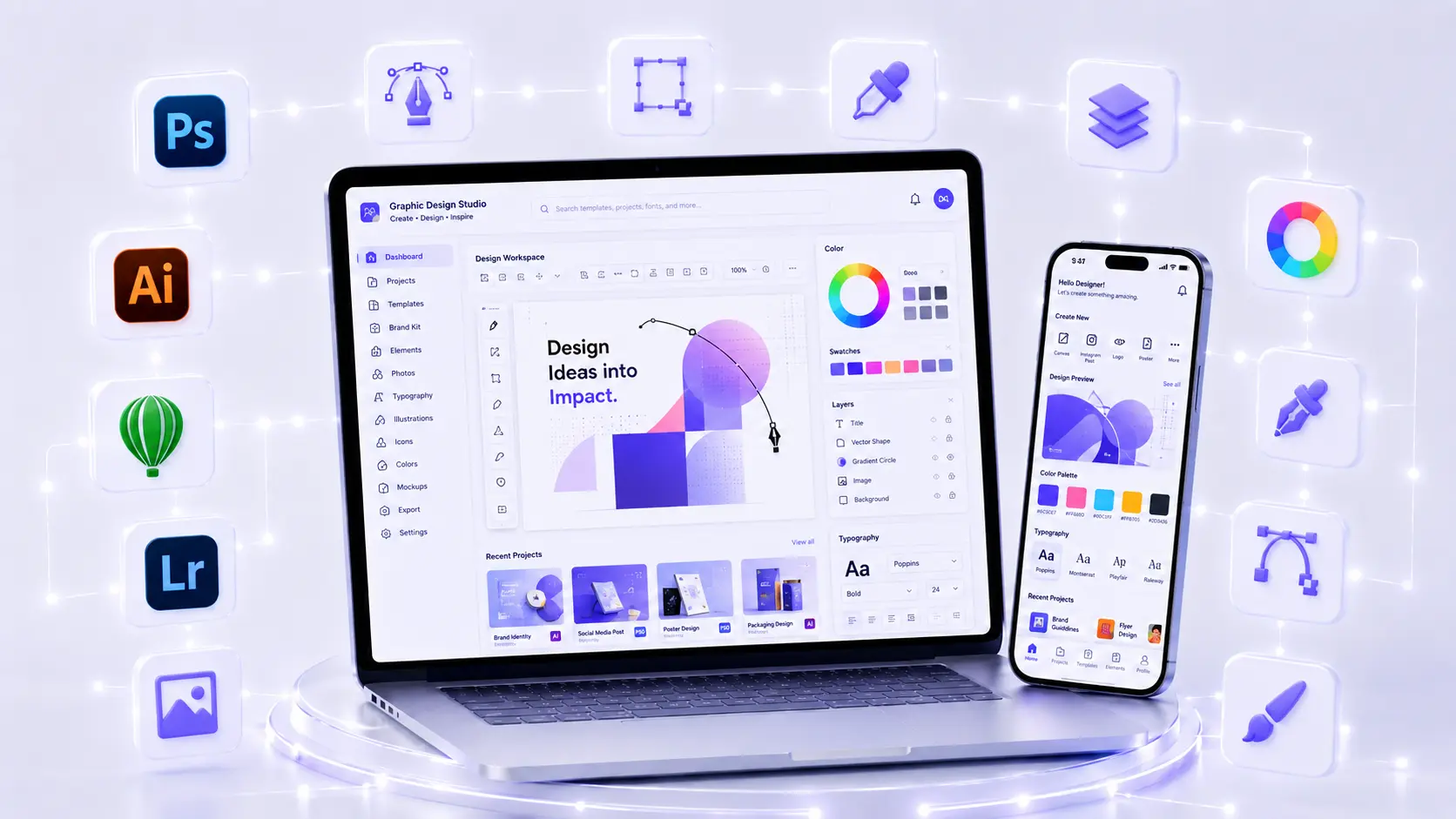
Learn essential design principles, choose the right software and build portfolio projects that demonstrate practical graphic design ability.
01 What Does a Graphic Designer Do?
Beginners deciding which software to learn first can use this direct comparison of Canva vs Photoshop vs Illustrator.
Graphic designers organise words, images, shapes and colour to communicate a message. The work may include social media posts, advertisements, posters, flyers, brochures, business cards, presentations, packaging, banners or brand identity material.
A successful design is not only attractive. It should help the intended audience understand what matters and what action to take. That requires a clear brief, deliberate hierarchy and careful preparation for the final medium.
02 Design Fundamentals Every Beginner Should Learn
Visual Hierarchy
Hierarchy tells the viewer what to notice first, second and third. Size, weight, colour, contrast, position and spacing all influence attention. Beginners should practise turning the same content into different layouts and testing whether the headline, offer and call to action remain clear.
Alignment and Spacing
Alignment creates order. Consistent margins and spacing make related items feel connected and separate unrelated groups. A simple grid can make a design look more professional even before colour or imagery is added.
Colour
Colour supports mood, identity and contrast. Students should learn hue, saturation, value, warm and cool relationships, basic colour harmonies and accessible contrast. They should also understand the difference between RGB for screens and CMYK workflows commonly used for print.
The Adobe Color wheel can help explore colour relationships, but the final palette should be chosen according to the audience, brand and medium.
Typography
Typography includes typeface selection, size, line spacing, letter spacing, line length and pairing. Beginners should prioritise readability before decorative effects. Limiting a design to one or two well-matched type families is often more effective than using many styles.
Contrast, Balance and Repetition
Contrast separates important elements. Balance distributes visual weight. Repetition creates consistency across a campaign or brand. These principles help a set of social posts or brochure pages feel related without making every layout identical.
03 Canva, Photoshop, Illustrator and CorelDRAW: What Is Each For?
| Tool | Common strengths | Good beginner project |
|---|---|---|
| Canva | Quick layouts, social media, presentations and template-based work | A coordinated five-post social media set |
| Adobe Photoshop | Photo editing, compositing, raster graphics and effects | A campaign poster using corrected and masked images |
| Adobe Illustrator | Vector artwork, icons, logo concepts and scalable graphics | A logo family with colour and monochrome versions |
| CorelDRAW | Vector layouts and common print-production workflows | A print-ready flyer or business card |
No single tool makes someone a designer. The best starting tool depends on the intended work. Canva can teach layout quickly, while Photoshop and vector tools offer deeper control. Beginners benefit from learning the principles in one tool and then transferring them to another.
04 A Project-Based Learning Path
- Recreate simple layouts. Use them to study alignment, hierarchy and spacing—not as portfolio originals.
- Design a quote or announcement post. Focus on type and contrast before adding effects.
- Create a small social campaign. Maintain consistent colours, typography and image treatment across formats.
- Edit and retouch an image. Practise selections, masks, adjustment layers and non-destructive editing.
- Build a poster or flyer. Organise a headline, details and call to action for quick scanning.
- Create vector icons or a logo concept. Test whether the design works at small and large sizes.
- Prepare a print file. Check dimensions, bleed, colour mode, image quality and export settings.
- Develop a mini brand system. Combine a logo, palette, type choices and sample applications.
Each project should begin with a short brief: audience, goal, message, format, deadline and required content. This turns software practice into a design process.
05 How to Build a Beginner Graphic Design Portfolio
A portfolio should show your strongest relevant work, not every exercise. Six to ten thoughtful projects can be more persuasive than dozens of similar social posts. Include variety while keeping the presentation consistent.
For each project, add:
- The communication problem and target audience.
- Your role and the tools used.
- Two or three early ideas or sketches.
- The final design in realistic contexts.
- A short explanation of hierarchy, colour and typography choices.
- Any constraints, feedback and revisions.
Do not present a lightly edited template as original work. If a project is fictional, label it as a self-initiated concept. Never publish confidential client files without permission.
06 Digital Design and Print Design Are Different
Digital work must adapt to screen sizes, compression and platform specifications. A social media design should remain legible on a small phone screen. Website graphics should be sharp without creating unnecessarily large files.
Print work requires correct physical dimensions, safe margins, bleed where required, appropriate image resolution and coordination with the printer. Colours can appear different between a backlit RGB screen and printed output. A useful course should include both export practice and pre-delivery checks.
07 Copyright, Images and Responsible Design
Designers need permission to use fonts, photographs, illustrations and templates. “Found on Google” does not mean free to reuse. Students should learn to check licences, save proof of legitimate asset sources and follow attribution requirements.
Responsible design also means avoiding misleading edits, protecting personal information and representing people respectfully. When AI-generated assets are used, review them for errors, bias, brand fit and any client or platform disclosure requirements.
08 How Feedback Improves Design Skill
Useful feedback refers to the brief and audience. “Make it pop” is vague; “the registration date is difficult to find on mobile” identifies a communication problem. Students should learn to ask what is unclear, compare options and revise without losing the main objective.
A strong class gives learners repeated critique and revision opportunities. Simply watching the trainer produce a polished design does not build independent judgement.
09 Career Directions After Graphic Design Training
Beginner roles may include graphic design intern, junior graphic designer, social media designer, print-production assistant, visual content assistant or marketing design support. Freelancers may start with small, clearly scoped deliverables while learning how to collect a brief, define revisions and prepare files.
Skill, portfolio quality, communication and consistency influence opportunities. A certificate can support an application, but it does not guarantee a role or income.
Graphic design also combines well with digital marketing. Designers who understand campaign goals and platform formats can collaborate more effectively with marketing teams. Review the digital marketing course guide if that combination matches your goal.
Learners who want to apply visual skills to interfaces can also explore the guide to a website design course in Dehradun.
10 How to Choose a Graphic Design Course in Dehradun
- Check whether design principles are taught alongside software.
- Ask which tools and software versions are used and what access is included.
- Look for original assignments in social, branding, print and image editing.
- Confirm that projects receive critique and require revisions.
- Ask how the course teaches licensing, export formats and print preparation.
- Request details of the final portfolio and how it will be presented.
- Confirm current fees, batch schedules and certificate requirements directly.
ACME IT Centre’s Graphic Design Course in Dehradun is positioned for beginners and includes design fundamentals, software practice, assignments and portfolio work. Check the current course page and confirm the latest software, schedule, fees and inclusions with the institute before enrolling.
If you are comparing several career paths after school, review the computer course guide for students after 12th. For current graphic-design batch details, use the ACME IT Centre contact page.
11 Frequently Asked Questions
Can I learn graphic design if I cannot draw?
Yes. Drawing can help with sketching and illustration, but many graphic design tasks depend more on hierarchy, typography, layout, colour and communication. These skills can be developed through practice and feedback.
Is Canva enough for a graphic design career?
Canva is useful for quick production and can teach basic layout. Many professional roles also require deeper photo editing, vector work, print preparation or original asset creation. Learn the tools that match the work you want to do.
How long does it take to build a portfolio?
The answer depends on practice time and project depth. Focus on completing and revising a small set of strong projects rather than rushing to fill a portfolio with similar work.
Should I learn Photoshop or Illustrator first?
Choose based on the first project. Photoshop suits photo-based posters and image editing; Illustrator suits vector graphics and logo concepts. Many designers eventually use both.
Does a graphic design certificate guarantee a job?
No. Employers and clients usually evaluate the portfolio, design decisions, software ability, reliability and communication as well as formal training.
12 Final Takeaway
A useful beginner course should move from principles to guided exercises, original projects, critique and portfolio presentation. Learn to explain why a design works, not only how it was made. That combination of judgement and software skill creates a stronger foundation for employment, freelancing and further study.
Takeaway & Career Action Paths
Learn essential design principles, choose the right software and build portfolio projects that demonstrate practical graphic design ability.