How to Learn Excel: A Step-by-Step Guide for Beginners
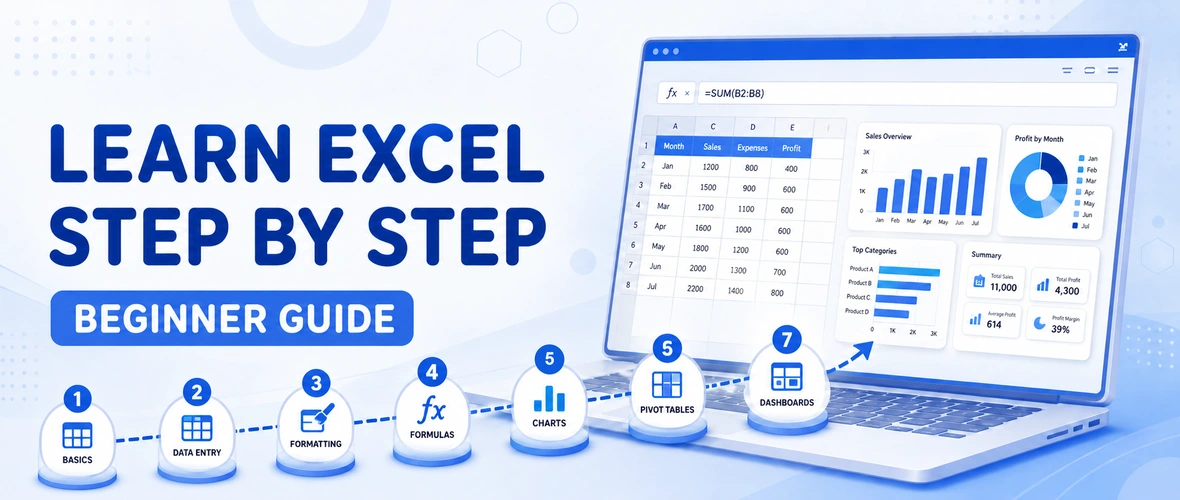
Learn Excel step by step as a beginner — from the interface and formulas to lookup functions, pivot tables and dashboards, with a realistic timeline.
01 Can You Learn Excel on Your Own?
Yes — many people start learning Excel on their own using free videos and practice files. Self-study works well for the basics. Where beginners usually get stuck is in the intermediate and advanced stages — lookup functions, pivot tables, data cleaning and building real reports — because these need structured practice and feedback. A mix of self-practice and guided training is the fastest way to become truly job-ready.
02 How to Learn Excel Step by Step
Follow these seven stages in order. Do not rush ahead — each stage builds on the previous one.
Step 1: Understand the Excel interface and basics
Start by learning how a spreadsheet works: workbooks, worksheets, rows, columns and cells. Practise entering data, selecting cells, copy-paste, autofill, and basic formatting like bold, borders, colours and number formats. Learn a few keyboard shortcuts early — they save a lot of time.
Step 2: Master essential formulas and functions
Use these Excel formula examples for office work as a focused practice list. If file handling, typing or basic spreadsheet use is still unfamiliar, start with the essential computer skills checklist.
Formulas are the heart of Excel. Begin with SUM, AVERAGE, COUNT, MAX and MIN, then learn IF for conditions, and text and date functions. Practise each formula with small, real examples like a marks sheet, a sales list or a monthly expense tracker.
Step 3: Learn lookup functions
Once you are comfortable with basic formulas, learn VLOOKUP, HLOOKUP, XLOOKUP and the INDEX-MATCH combination. These let you search and match data across large sheets — a skill used constantly in office and reporting work.
Step 4: Clean, sort and filter data
Real data is messy. Learn to remove duplicates, fix text, use find and replace, and apply sorting, filtering and data validation (dropdown lists). Clean data is the foundation of every good report.
Step 5: Build pivot tables
Pivot tables turn large data into quick summaries. Learn to create a pivot table, add row and column fields, values and filters, and group data. This is one of the most valuable Excel skills for MIS, sales and business reporting.
Step 6: Create charts and dashboards
Learn to turn numbers into clear visuals with charts, then combine charts, summaries and slicers into a simple dashboard. Dashboards are what make your reports look professional and easy to understand.
Step 7: Practise with real projects
Finish by building complete mini-projects — a sales report, an attendance tracker, a budget dashboard. Real projects lock in everything you have learned and give you work you can show to an employer.
03 How Long Does It Take to Learn Excel?
With regular practice, most beginners can learn the basics in 2–3 weeks, reach a good intermediate level (formulas, lookups, pivot tables) in about 1–2 months, and become confident with dashboards and advanced tools in 2–3 months. Consistency matters more than speed — 30–45 minutes of daily practice beats occasional long sessions.
04 The Best Way to Practise Excel
- Recreate everyday sheets: expenses, marks, sales, attendance.
- Learn one new formula or feature, then use it immediately in a real example.
- Keep a personal “practice workbook” and add to it every week.
- Try to solve small problems for family, friends or a local business.
05 Common Mistakes Beginners Make
- Jumping to advanced features before mastering basics and formulas.
- Watching videos without practising on their own file.
- Ignoring data cleaning, which makes later reports messy.
- Not building real projects, so skills fade quickly.
06 Should You Take an Excel Course?
A structured course saves time and removes guesswork. Instead of jumping between random videos, you learn in the right order, practise on guided exercises, and finish with real projects and feedback. Our Advanced Excel Course in Dehradun follows exactly the step-by-step path above — from basics to pivot tables, dashboards and Power Query — with hands-on practice in small batches. If you are a complete beginner, the Basic Computer Course in Dehradun is a good starting point first. Both are part of the practical computer courses in Dehradun at ACME IT Centre — contact us for a free demo class.
Related reading: Planning your studies after school? See our guide to the best computer course in Dehradun after 12th to choose the right path.
07 Frequently Asked Questions
How can I learn Excel as a complete beginner?
Start with the interface and basics, then learn formulas, lookup functions, data cleaning, pivot tables and finally charts and dashboards — practising each stage with real examples before moving on.
Can I learn Excel in one month?
You can reach a solid intermediate level — formulas, lookups and pivot tables — in about one to two months with regular daily practice. Advanced dashboards take a little longer.
Is Excel enough to get a job?
Strong Excel skills alone can qualify you for data entry, MIS, back-office and accounts-support roles. Combined with skills like Tally or basic accounting, your job options increase further.
Which is the best way to practise Excel?
Build real mini-projects — a sales report, budget tracker or attendance sheet — because applying features to real data is what makes the skills stick.
Once you understand the basics, use our Excel skills for office jobs guide to practise formulas, data cleaning, PivotTables and portfolio projects.
Takeaway & Career Action Paths
Learn Excel step by step as a beginner — from the interface and formulas to lookup functions, pivot tables and dashboards, with a realistic timeline.